DRONE OPERATIONS · LUXEMBOURG

Risk Assessment

Structured operational risk assessments connected to users and organizations.

Open Risk Assessment

SKYMISSION PLATFORM

One connected operational workflow

SkyMission progressively connects planning, risk assessment, operation, logbook, statistics, documentation, fleet, and maintenance information.

  1. Planning

    Define the area, route and drone.

  2. Risk Assessment

    Document conditions and flight risks.

  3. Operation

    Prepare and verify the mission.

  4. Logbook

    Keep flight records together.

  5. Statistics & documentation

    Review activity and mission reports.

  6. Fleet & Maintenance

    Track aircraft and service needs.

Our roadmap: planning and risk assessment today, a connected operational workflow step by step.

SKYMISSION

Updates

Recent releases. The complete history is available in the update log.

Update log

Release notes are recorded in English.

3 versions

Beta 0.6.2.12Reuse the RC2 companion package for website releasesLatest5 changes

Improved

  • Website publishing verifies and reuses the existing RC2 utility instead of rebuilding it.
  • RC2 source changes have their own build workflow and versioned companion package.
  • Source fingerprints and SHA-256 checks reject stale or modified companion packages.
  • The publisher no longer uses Actions artifact storage for RC2 transfer between jobs.
  • CI artifacts are retained for seven days.
Beta 0.6.2.11Consistent multilingual search metadata and sitemap delivery6 changes

New

  • Supports GET and HEAD for search documents, with explicit method rejection otherwise.
  • Adds reciprocal hreflang links and an English x-default for public pages.

Improved

  • Handles sitemap and robots requests before account-specific route checks and release-news generation.
  • Lists explicit language URLs matching canonical metadata, including English and support guides.
  • Keeps login crawlable so search engines can read its noindex metadata.
  • Makes unknown-route 404 metadata explicit.
Beta 0.6.2.10Illustrated tool guides and clearer mission exports7 changes

Improved

  • Explains the complete new-mission workflow with numbered steps and separate manual KMZ and RC2 Transfer export paths.
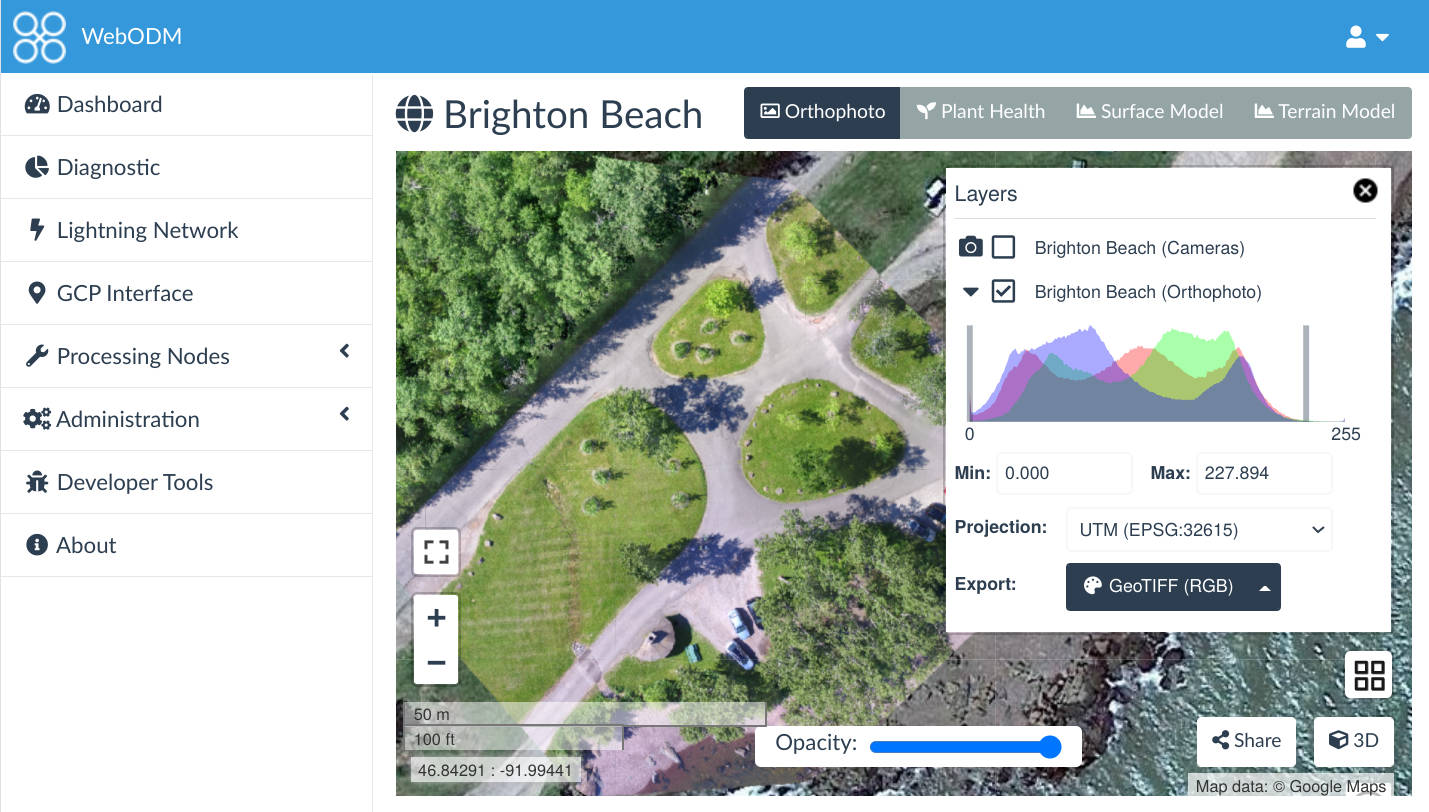
  • Links to official WebODM information and downloads, including native Windows installation.
  • Shows where to paste Boundary JSON with settings and with/without Boundary screenshots.
  • Explains Windows SmartScreen warnings and the RC2 utility with user-provided screenshots.
  • Translates all instructions and image captions into English, German, French and Luxembourgish.

Changed

  • Moves Contact support below the RC2 guide in the Support menu.
  • Removes the Before you start panel from Risk Assessment and Mission Planner guides.